AppId is over the quota
· Wooden Background – sxc.hu
Open up Photoshop and create new document

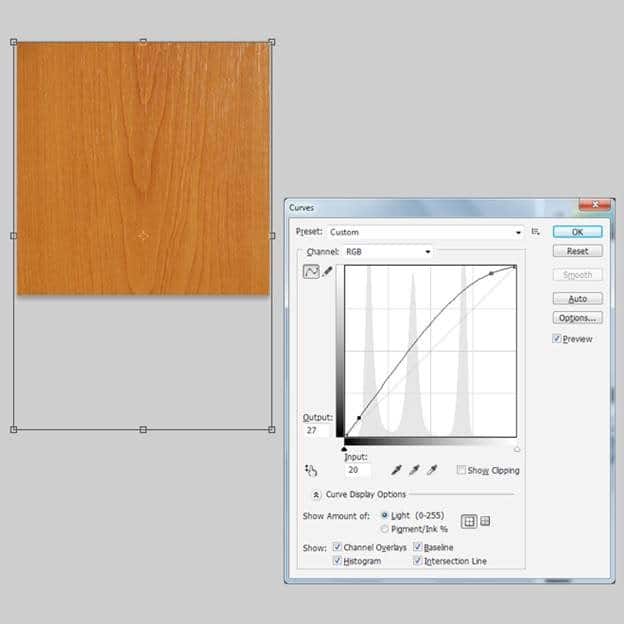
Open the Wooden background , press Ctrl+ T to scale it fit to our background.Now Image > Adjustment> Curve, like this image
-
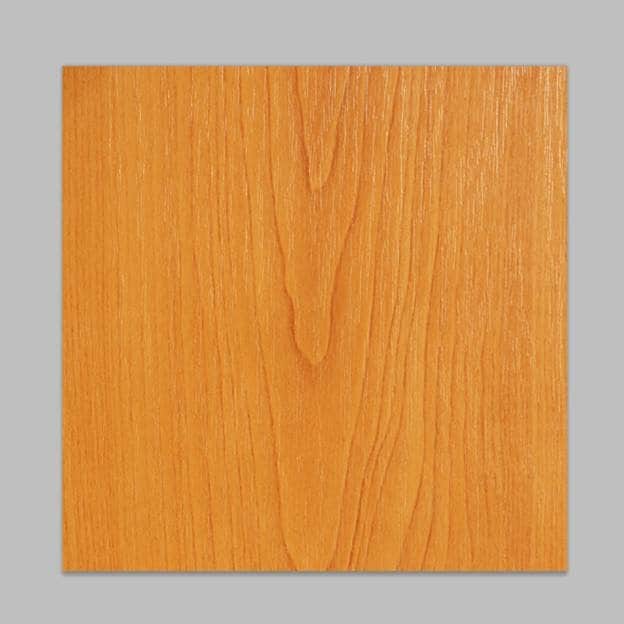
And this is result
Create a Rounded rectangle (shortcut U) with fixed size 700px x 550px and Radius = 40px. Fill it with color # 742b00
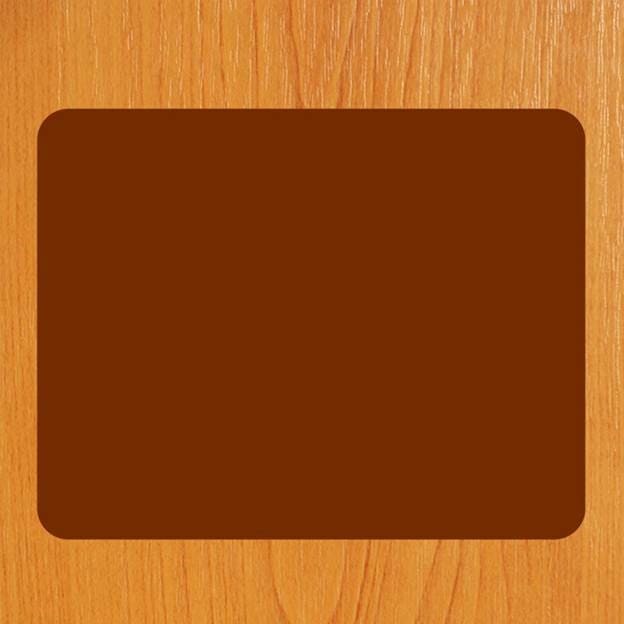
Now press Filter > Noise > Add noise

Then right click for Blending Option > Drop Shadow
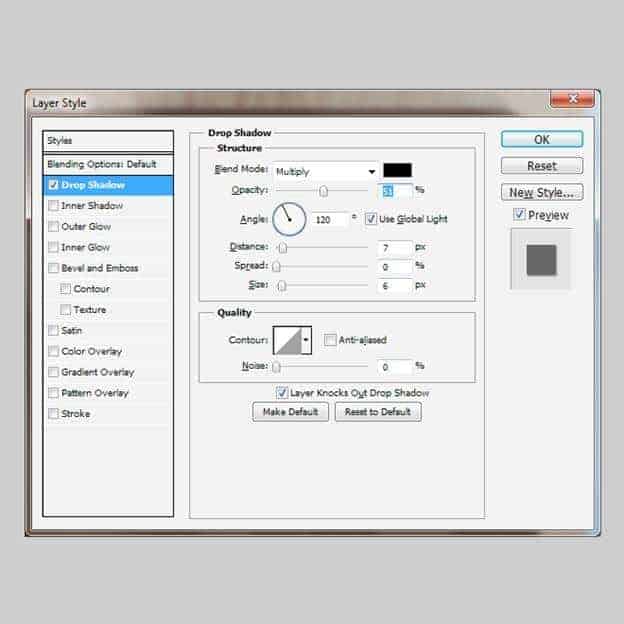
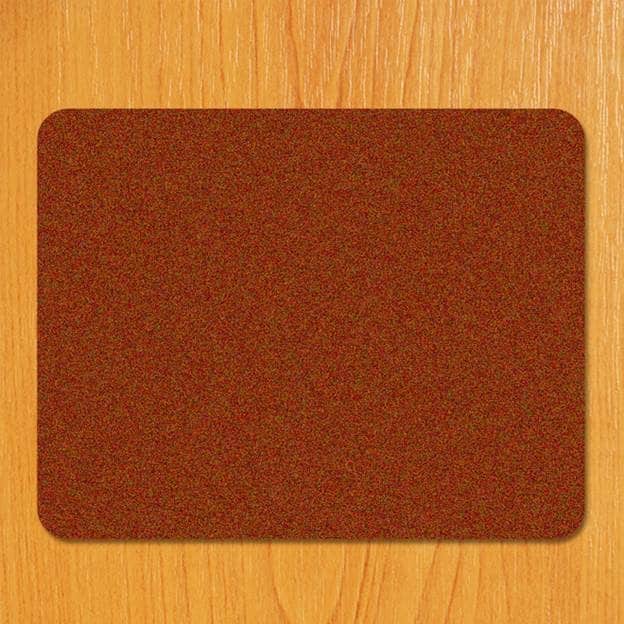
And we got result like this, we name it ” cover 1?
Next, we create second Rounded rectangle (shortcut U) with same size 700px x 550px and Radius = 40px. Fill it with color # 5c3016. Then press Ctrl + T to scale it a little bit smaller than first rectangle which name “cover 1?. And we name the second rounded rectangle as “cover 2?


কোন মন্তব্য নেই:
একটি মন্তব্য পোস্ট করুন